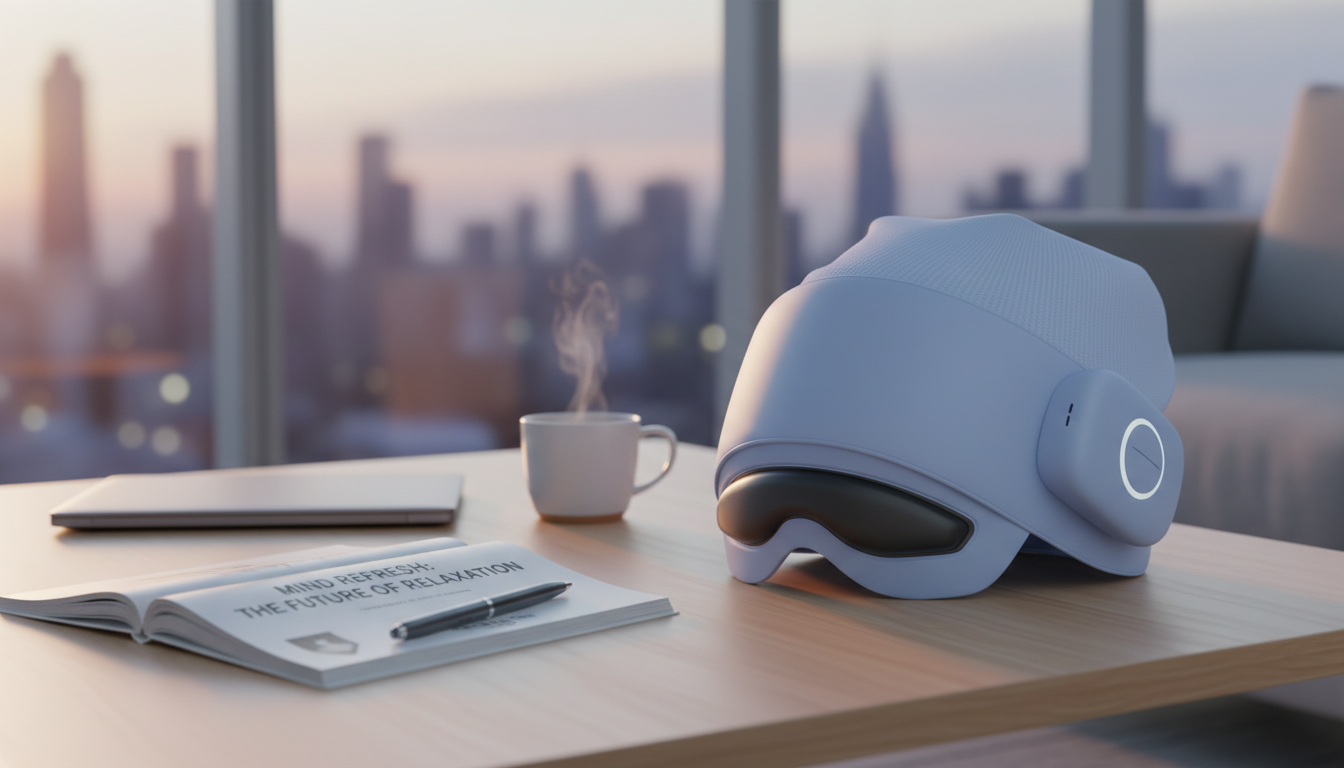
Long screen days, tight temples, and end-of-day fatigue can add up fast. A smart head and eye massager that combines gentle compression, soothing heat, and Bluetooth audio is designed to make short recovery breaks feel more effective—whether used at a desk, before bed, or after travel. When used comfortably and consistently, a few minutes of warmth and rhythmic pressure can help create a calmer “reset” between work blocks and real life.
A head-and-eye massager is built to make relaxation feel more automatic. Instead of manually rubbing temples or squinting through tired eyes, it provides a structured session that encourages the face and forehead to unclench.
If screen time is a major trigger, it also helps to understand the common causes of digital discomfort—brightness, focus demand, and reduced blinking. Helpful overviews include the American Academy of Ophthalmology’s guidance on Computer Vision Syndrome and Mayo Clinic’s overview of eye strain.
The best sessions feel consistent and easy: no fiddling, no surprises, no “too hot” moments around delicate skin. When comparing options, these practical features tend to make the biggest difference.
| Feature | Why it helps | What to look for |
|---|---|---|
| Heat | Encourages relaxation and comfort | Even warmth; easy on/off control |
| Compression | Targets temples/brow tension | More than one intensity level |
| Massage patterns | Prevents “one-note” pressure | Multiple modes for different needs |
| Bluetooth audio | Supports faster wind-down | Stable pairing; easy volume control |
| Fit/strap | Improves comfort and effectiveness | Adjustable strap; balanced pressure |
Timing matters because the goal isn’t only “massage,” it’s a reliable shift from stimulated to settled. Most people get the best experience when sessions are short, consistent, and comfortable.
For a simple rhythm: aim for one session after the most demanding screen block of your day, or one session before bed when you want a smoother off-ramp into sleep.
Comfort is the priority—especially around the eyes. A good session should feel supportive and calming, not like you’re “pushing through” discomfort.
If you’re prone to dryness from screen time, consider pairing the session with simple habits like blinking breaks and reducing harsh overhead lighting—small changes that often make the biggest difference.
Bluetooth can turn a basic session into a more immersive wind-down. The trick is choosing audio that reduces stimulation rather than adding it.
For comfort, it’s usually best to remove contact lenses before a session to reduce dryness and avoid any pressure sensation. Use the device on clean, dry skin; if dryness is frequent, check with an eye-care professional for personalized guidance.
Many people use a short session once daily or a few times per week, depending on comfort. Start with shorter, gentler sessions, and back off if you notice irritation, increased dryness, or lingering discomfort.
Gentle warmth can feel soothing and may help relax the muscles around the brow and temples, which can tighten during long focus periods. Screen-related discomfort can also involve dryness and visual strain, so it helps to combine heat with regular screen breaks and more comfortable lighting.






Leave a comment