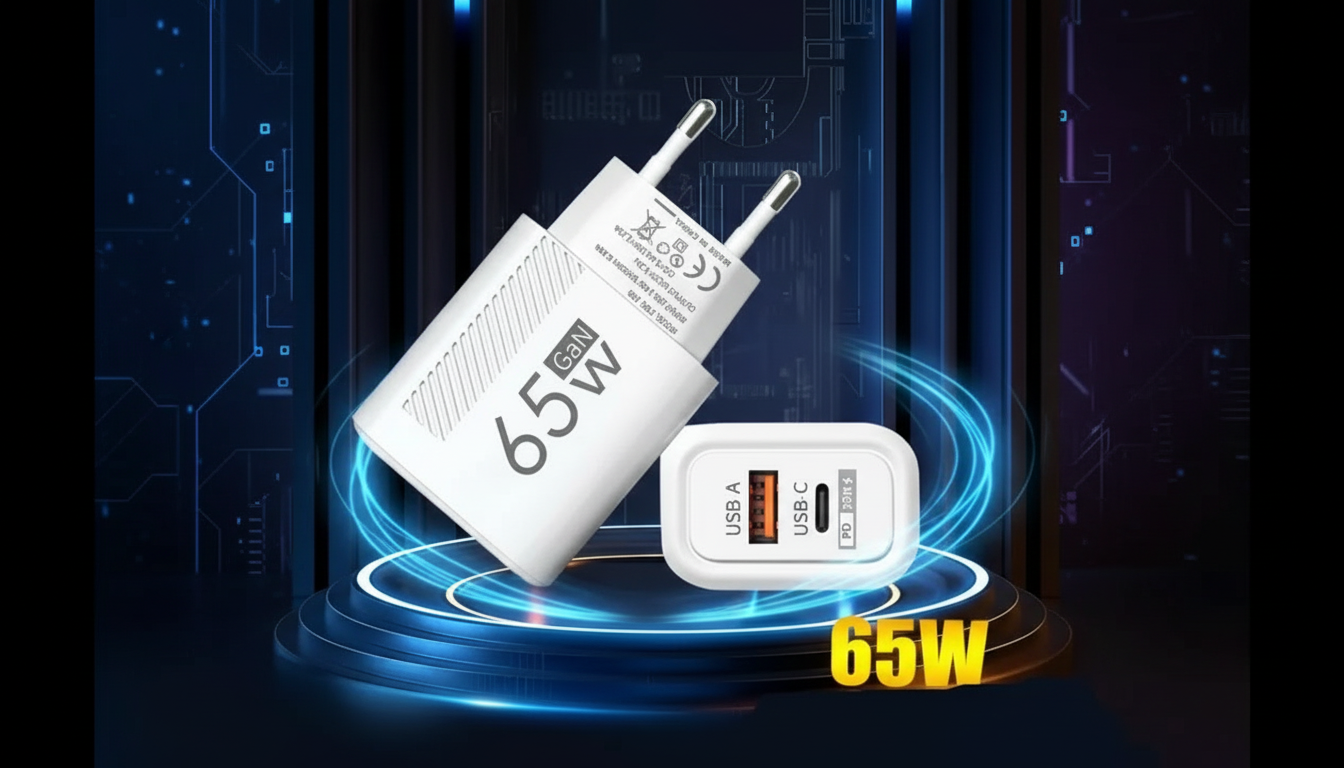
Most devices work with GaN (gallium nitride) chargers because GaN is mainly a newer way to build the charger’s power components—smaller, cooler, and often more efficient—rather than a new charging “language.” What matters for compatibility is the charging standard and the connector your device uses (USB-C, USB-A, Lightning, etc.).
A device will charge safely from a GaN charger if the charger can supply a voltage and current the device expects. For many modern phones, tablets, earbuds, and laptops, that means USB Power Delivery (USB PD) over USB-C. If your device supports PD, a PD-capable GaN charger will typically negotiate the right power level automatically.
Older devices that charge over USB-A usually work fine too, as long as you use the right cable. Even without fast-charging protocols, they’ll fall back to standard 5V charging. Many GaN chargers include both USB-C (often PD) and USB-A (often legacy USB or Quick Charge) ports to cover a wider range of gear.
Compatibility doesn’t always mean maximum speed. A laptop that needs 65W may charge slowly (or not at all) on a 20W GaN charger. Some Android phones fast-charge best with specific standards (like USB PD PPS or proprietary systems); they’ll still charge, just potentially at a lower wattage. Multi-port chargers also share power across ports, which can reduce output when charging several devices at once.
Confirm your device’s charging standard (USB PD, PPS, Quick Charge), the wattage it needs, and the cable type required. For a practical walkthrough on choosing the right wattage and PD features, see this GaN USB-C charger and quick charge/PD guide.
Match or exceed your laptop’s recommended USB-C charging wattage (commonly 45W–100W). If the charger is underpowered, the laptop may charge slowly, only charge while asleep, or refuse to charge under heavy use.



Leave a comment