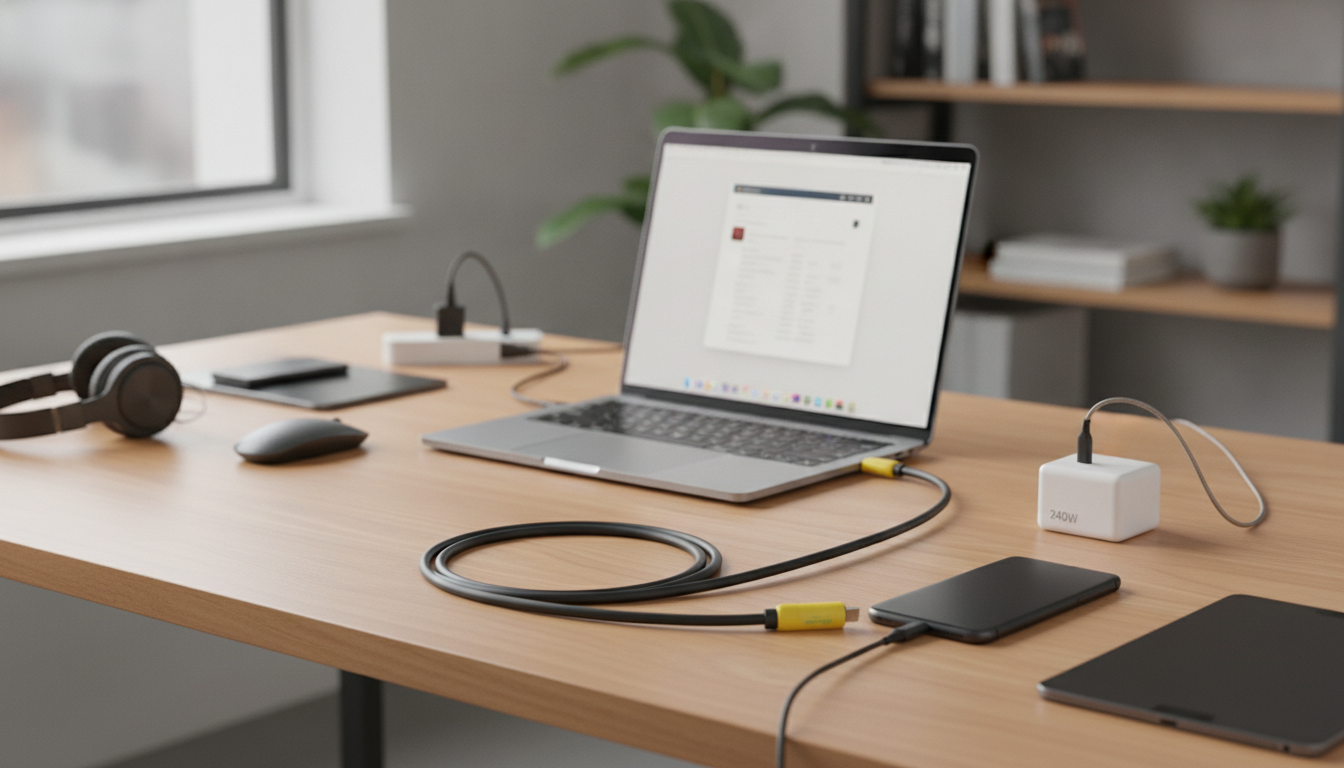
A USB-C extension cable adds reach without changing the charger, hub, or device already in use. The right one supports modern power levels for laptops and tablets while maintaining stable data connections for accessories, docks, and external storage. With more devices relying on USB-C for both power and connectivity, choosing an extension that’s built for today’s power delivery standards can make everyday setups cleaner, safer, and easier to use.
USB-C ports often end up in the least convenient place: behind a monitor, under a desk edge, or tucked into the side of a laptop that’s constantly moved. An extension cable helps relocate the “plug-in point” to where it’s actually needed.
For many setups, an extension is less about adding distance and more about reducing wear—especially when a device is plugged and unplugged multiple times per day.
“240W” indicates a cable’s maximum power handling capability when the rest of the system supports it. Charging speed is never determined by the cable alone; it’s negotiated between the charger and the device, using USB Power Delivery (USB PD) profiles.
For background on how USB PD and higher power modes work, USB-IF resources are a helpful reference, including the USB Power Delivery Specification and official USB-C documentation at USB-IF (USB charger/PD overview).
Extensions are convenient, but every added connection introduces another point where signal integrity and mechanical fit can affect performance. What you can expect depends on the cable’s design, length, and how demanding the connected device is.
If a setup is sensitive—like a bus-powered drive that disconnects under load—reducing total length and avoiding extra joins can make a noticeable difference.
Before choosing an extension, confirm it matches the job: power level, device type, and whether data/video is part of the plan.
| Setup | Recommended focus | Notes |
|---|---|---|
| Laptop charging at a desk | High power handling + strong strain relief | Total run length and connector quality matter for consistent PD negotiation |
| Phone/tablet bedside charging | Durability + flexibility | Device will draw only what it supports even if cable is rated higher |
| Dock/hub placement | Stable data connection | Keep total length short for fewer dropouts |
| External SSD use | Verified data speed support | Extensions may limit peak speeds; direct connection often performs best |
If the goal is more reach without giving up modern charging capability, the USB C Extension Cable 240W Fast Charging & Data Transfer Cord is designed for flexible placement while supporting high-power USB-C charging when paired with compatible equipment.
It can, depending on the charger, device, total cable length, and the extension’s build quality. A properly rated extension can maintain fast charging, but some combinations may negotiate lower power for stability.
Yes, but speed and stability depend on the cable’s supported USB data specification and the total run length. For high-speed external storage or video, a direct connection often delivers more consistent peak performance.
Yes—devices draw only the power they’re designed to accept, and USB PD negotiation controls the requested wattage. “240W” is a maximum capability of the cable, and safe operation depends on using compatible USB PD chargers and well-built cables.






Leave a comment