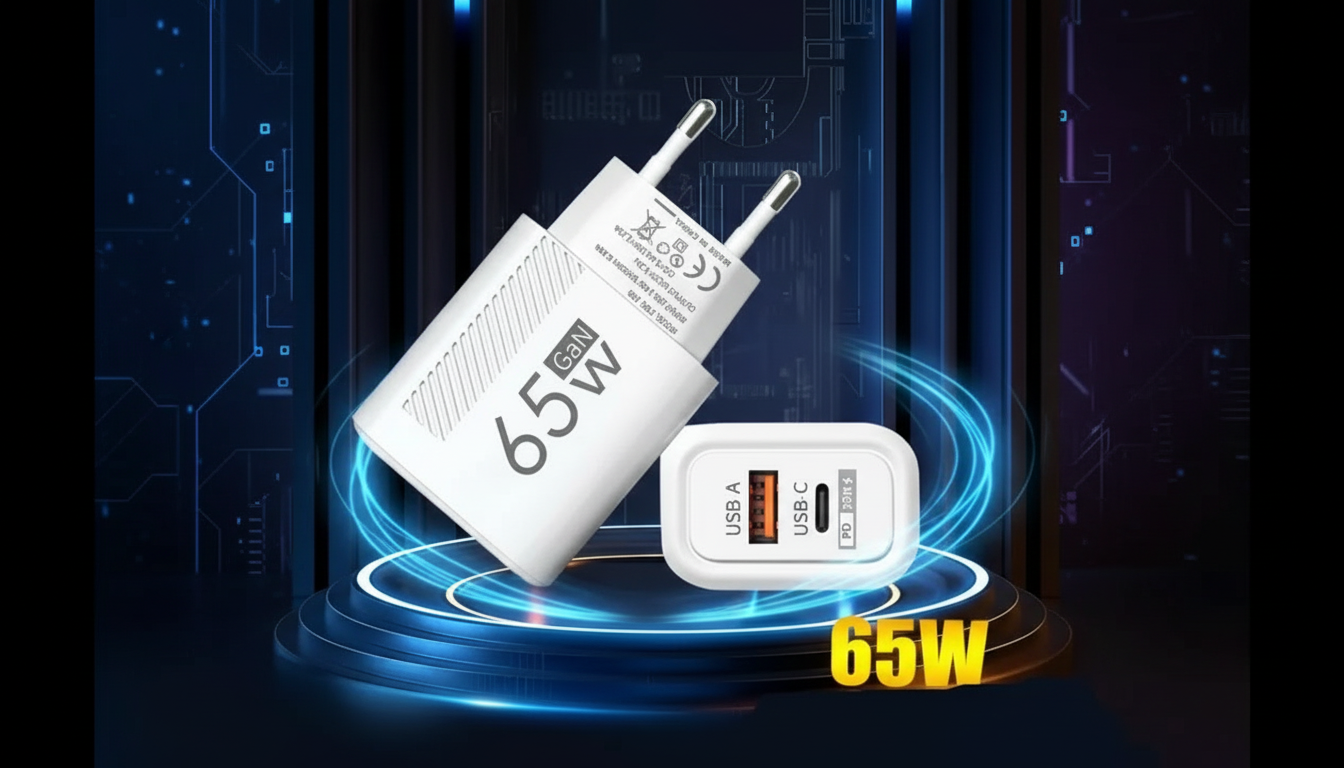
To confirm a USB-C wall charger is truly delivering 65W, you need to verify three things: the charger supports USB Power Delivery (USB PD) at 65W, the cable can carry that power, and the laptop is actually negotiating and drawing it.
Look for a printed spec like “USB-C PD: 5V/3A, 9V/3A, 15V/3A, 20V/3.25A” (20V × 3.25A ≈ 65W). If the label tops out at 20V/3A (60W) or only lists lower voltage profiles, it can’t deliver 65W even if the marketing says “fast charge.” For a deeper breakdown of 65W GaN and PD ratings, see this 65W USB-C charger guide.
The most reliable method is an inline USB-C PD power meter (tester). Plug it between the charger and laptop and watch voltage, current, and negotiated PD profile. Under a heavy load, a true 65W session often shows near 20V with current approaching 3.25A, though real-world numbers can fluctuate as the laptop manages charging and performance.
Some USB-C cables are limited to 3A. That can cap power and prevent reaching 65W at certain voltage/current combinations. A cable labeled “100W” or “5A E-Marked” is a safe pick. If the charger and laptop support 65W but the cable doesn’t, the negotiated power may drop.
Many laptops won’t pull 65W when nearly full, sleeping, or doing light tasks. To test, run a demanding workload while charging a lower battery level. Also note: some systems display “Slow charger” or “Not charging” when the adapter can’t keep up with peak power needs.
Most laptops require USB Power Delivery (PD) over USB-C to negotiate higher voltages like 15V or 20V. Quick Charge is mainly for phones and often won’t provide the proper PD profiles a laptop needs.






Leave a comment