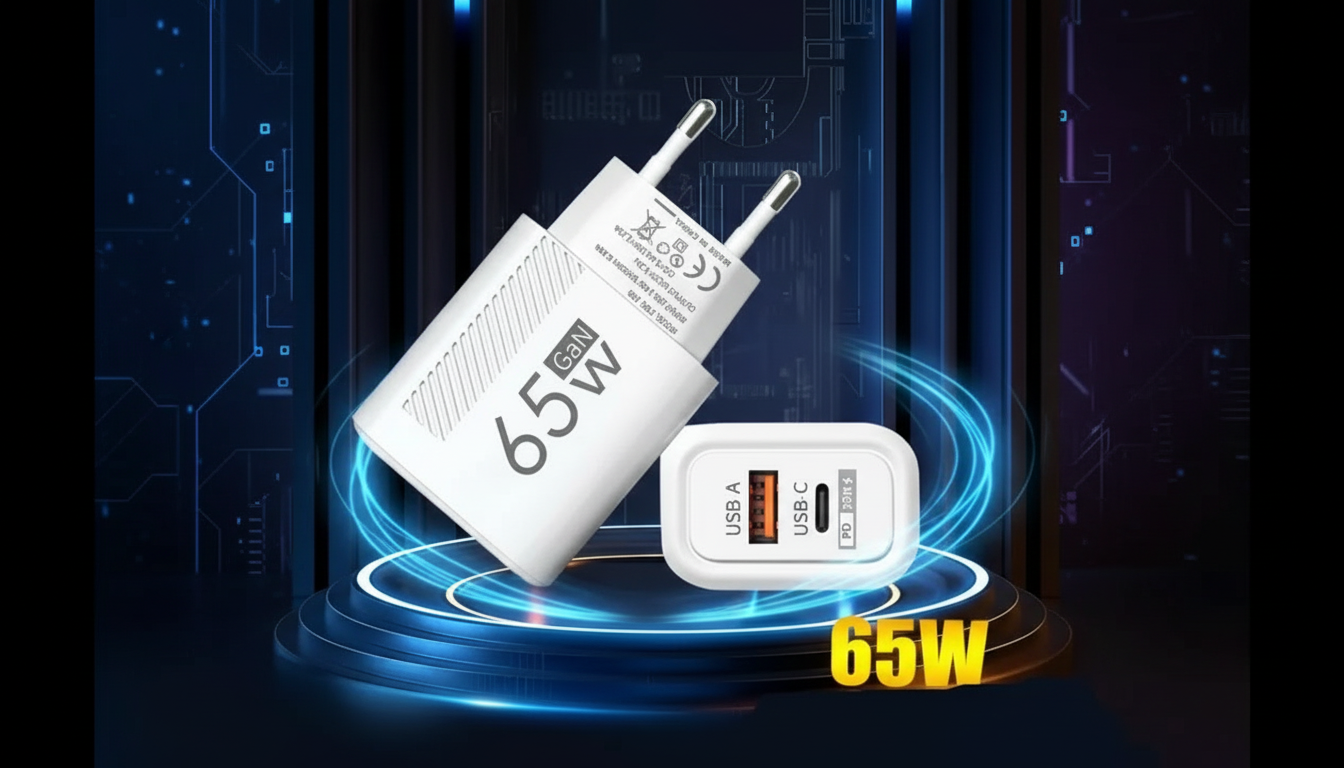
That message usually means the laptop detects external power but isn’t receiving enough usable wattage to both run the system and charge the battery under current conditions. A “65W USB-C PD” label doesn’t guarantee your laptop will actually negotiate a full 65W (or that 65W is sufficient for your model), so the computer chooses to run from the adapter and pause charging to protect the battery and power circuitry.
Many 14–16 inch laptops can draw 60–100W when the CPU/GPU ramps up. If you’re gaming, rendering, or driving an external display, the system may consume nearly all available power, leaving nothing for charging, so it reports “not charging” or charges only at idle.
USB-C Power Delivery relies on a negotiated voltage/current “contract” (like 20V/3.25A for 65W). If the charger, laptop, or cable can’t support the needed profile, the handshake may fall back to 45W, 30W, or less—enough to power the laptop, but not enough to charge reliably.
Some USB-C cables are 3A-only or are optimized for data, not sustained high-power charging. A 5A e-marked cable is often required for higher-power scenarios, and a poor-quality or long cable can add voltage drop that reduces effective charging.
Not every USB-C port on a laptop supports the same charging behavior. BIOS/firmware updates can change PD compatibility, and some manufacturers restrict third-party adapters or require certain voltage steps to enable charging.
If the battery is hot, cold, or already near its charge limit (e.g., an 80% battery health mode), the laptop may intentionally pause charging while still showing the adapter as connected.
For a deeper walkthrough of how 65W USB-C PD and modern GaN chargers negotiate power—and how to pick the right charger and cable—see this 65W GaN USB-C charger and PD guide.
Often, yes: it gives more headroom so the laptop can run and charge at the same time. Your laptop will only draw what it’s designed to accept, but the extra capacity can prevent “not charging” messages under heavy load.



Leave a comment