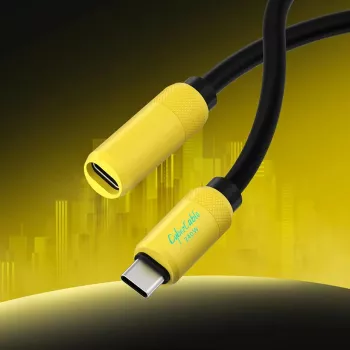
Start with the packaging or product listing. A USB-C cable that supports data transfer should explicitly mention “data,” “sync,” or a USB specification such as USB 2.0, USB 3.2, USB4, or Thunderbolt. If the listing only highlights charging (for example, “60W/100W/240W fast charge”) and says nothing about data, it may be a charge-only cable.
Next, look for speed claims. Any stated transfer rate (like 480 Mbps, 5 Gbps, 10 Gbps, 20 Gbps, or 40 Gbps) is a strong indicator the cable has data lines. The absence of any Mbps/Gbps rating doesn’t guarantee it’s charge-only, but it’s a red flag—especially for very inexpensive or very thin cables.
Check the connector markings when available. Some higher-spec cables (especially USB4/Thunderbolt) use logos on the plug or housing, but many don’t. When you do see a USB “trident” icon, “SS” (SuperSpeed), “20,” “40,” or a lightning-bolt Thunderbolt symbol, it’s a good sign the cable supports data. Still, markings aren’t universal, so prioritize verified specs over visuals.
If you already own the cable, do a quick real-world test: connect a phone to a computer and see whether the device is recognized for file transfer. On many phones, you may need to set the USB mode to “File transfer” (MTP) after plugging in. If charging works but the computer never detects the device (and you’ve confirmed the phone/computer settings and ports are fine), the cable is likely charge-only or damaged.
For a deeper breakdown of USB-C cable types (including charging wattage and data ratings), see the full guide here: https://majorane.com/guide-usb-c-extension-cable-240w-fast-charging-data-transfer/.
They can. Longer runs and lower-spec extension cables may limit you to USB 2.0 speeds or introduce signal issues, while well-made USB 3.x/USB4-rated extensions are more likely to maintain higher throughput.





Leave a comment