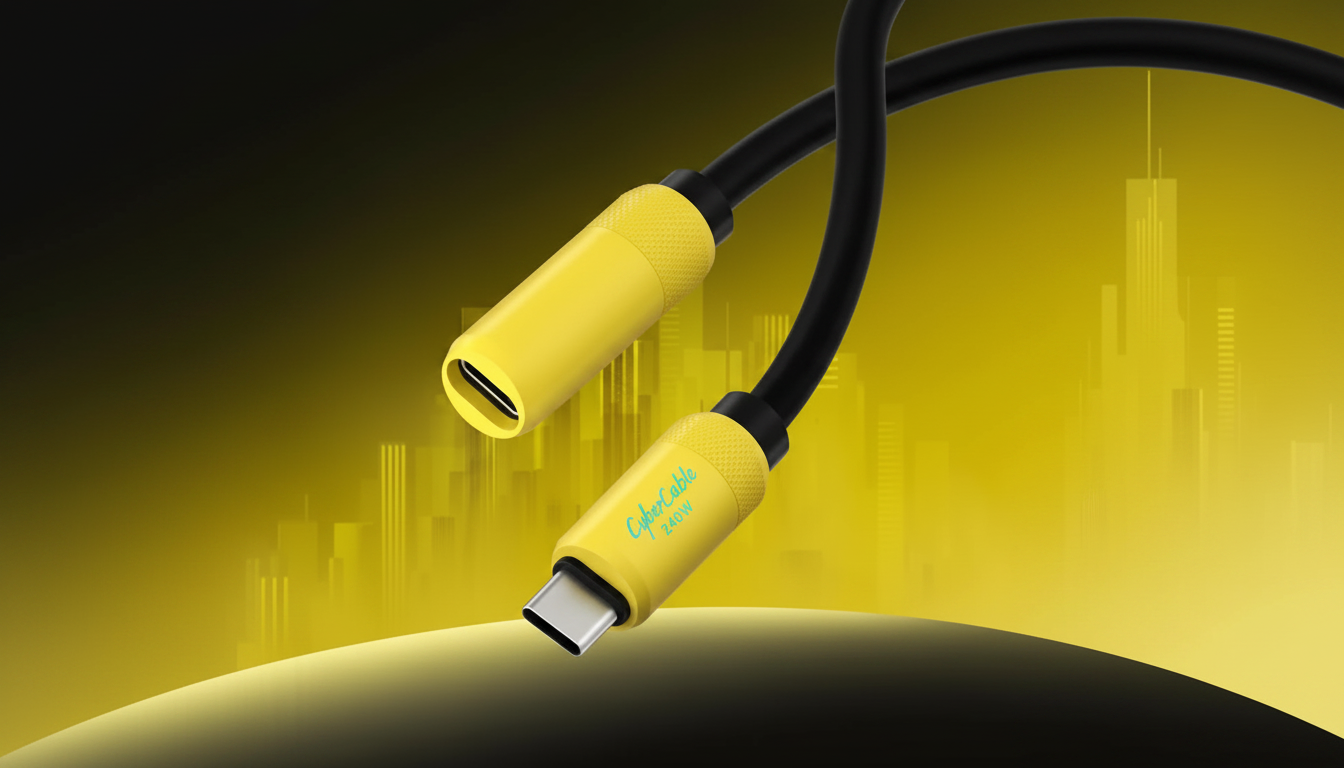
Usually, no. Adding a USB-C extension cable in-line with a USB4 or Thunderbolt 4 (TB4) cable almost always reduces reliability at 40Gbps, and it may force the connection to fall back to a slower USB mode (or fail to enumerate altogether). USB4/TB4 signaling is extremely sensitive to cable impedance, shielding, connector quality, and total channel length. An extra mated connector pair plus additional wire is often enough to push the link outside spec.
Even if an extension “works” for charging or basic USB, high-speed behavior can be inconsistent: intermittent dropouts, displays not waking, external SSDs throttling, or docks only partially functioning. Many USB-C extension cables are built for USB 2.0 data (480Mbps) with higher power capability, which is fine for charging but not for 20–40Gbps data lanes.
If you only need USB 2.0 data (keyboards, mice, simple adapters) and power, an extension can be fine. For USB 3.x (5–10Gbps), some short, well-made extensions may work in specific setups, but results vary by host device, cable, and peripheral. For USB4/TB4 at 40Gbps, treat extensions as “not supported” unless the manufacturer explicitly rates the extension for USB4/TB4—and those are rare.
Use a single certified USB4 or Thunderbolt 4 cable in the length you need, or use an active Thunderbolt 4 cable if you need longer reach. For workstation setups, a Thunderbolt dock, hub, or a USB-C panel-mount/keystone solution designed for high-speed pass-through is more dependable than a generic extension.
For a deeper breakdown of what extension cables can and can’t do (including charging limits and data-speed realities), see this USB-C extension cable guide.
Buy a longer certified USB4 or Thunderbolt 4 cable (or an active TB4 cable for longer runs) instead of adding an extension. This avoids extra connectors and keeps the link within spec for 20–40Gbps operation.





Leave a comment