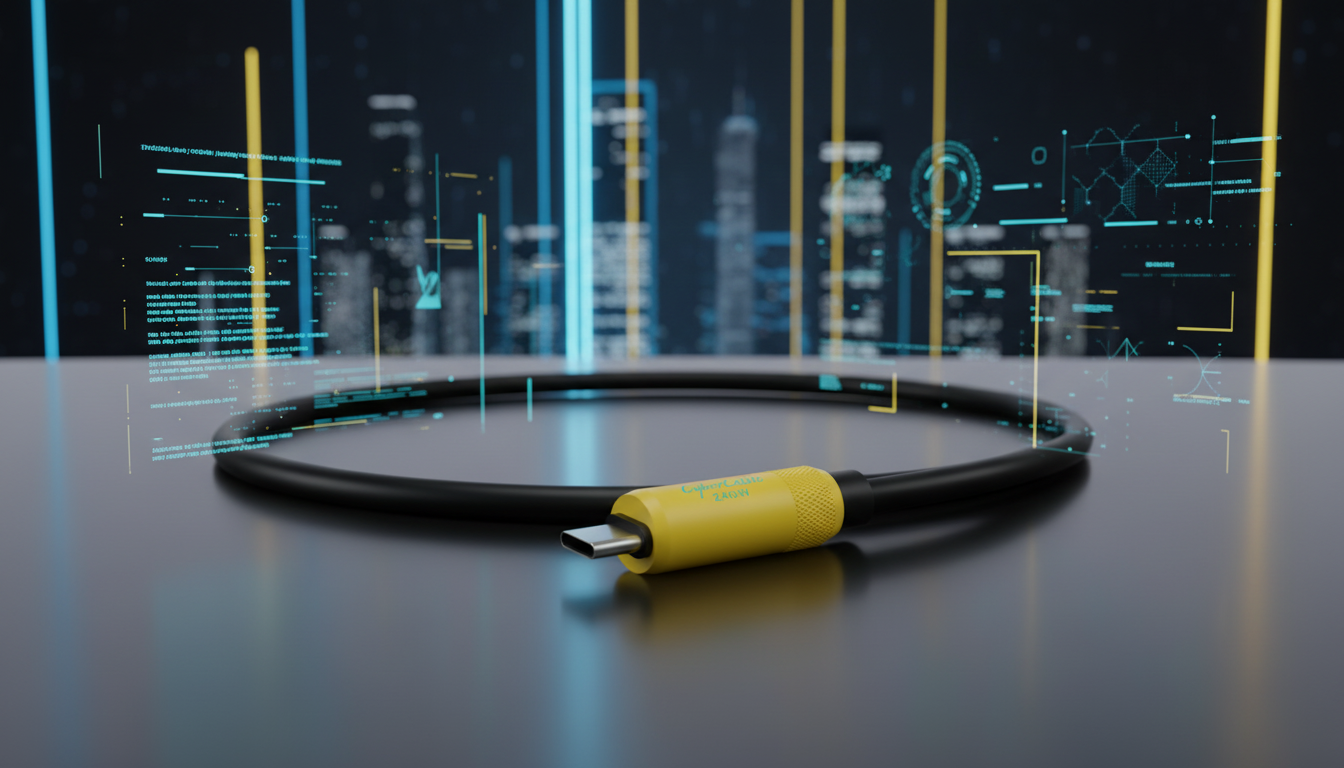
Not always. A “fast charging” cable is built to safely carry higher power (higher current and sometimes higher voltage) so your device can charge quickly. A “data transfer” cable is built to move files and other information between devices. Many modern cables do both, but some are designed for charging only and either don’t include the data wires or support only basic data speeds.
The most reliable way is to check the cable’s specifications and labeling. Charging-focused cables often highlight wattage (like 60W, 100W, or 240W) and may say “charge only.” Data-capable cables usually list a USB data standard such as USB 2.0, USB 3.2, USB4, or Thunderbolt, sometimes with a speed rating like 480 Mbps, 5 Gbps, 10 Gbps, 20 Gbps, or 40 Gbps.
Some low-cost or “charge-only” cables omit the internal data lines to reduce cost or improve durability. Others include data lines but only support USB 2.0 speeds, which is fine for syncing contacts but slow for large file transfers.
Older or thinner cables may not be built to handle higher current without excessive voltage drop and heat. Even if the connector fits, the cable’s wire gauge and e-marker (for higher-power USB-C cables) can limit charging performance.
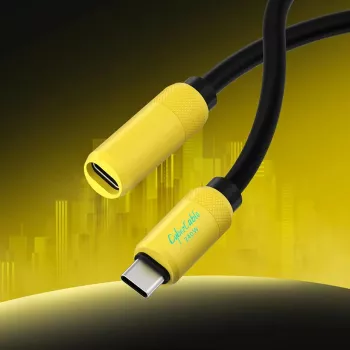
Look for a USB-C cable that clearly states both its power rating and its data standard. If you want a deeper breakdown of USB-C extension and cable capabilities—especially around high-wattage charging and data throughput—see the full guide here: https://majorane.com/guide-usb-c-extension-cable-240w-fast-charging-data-transfer/.
Check the product specs for a USB data version (USB 2.0/3.x/USB4) or a speed rating in Mbps/Gbps. If it only advertises wattage or says “charge only,” it may not support data.





Leave a comment