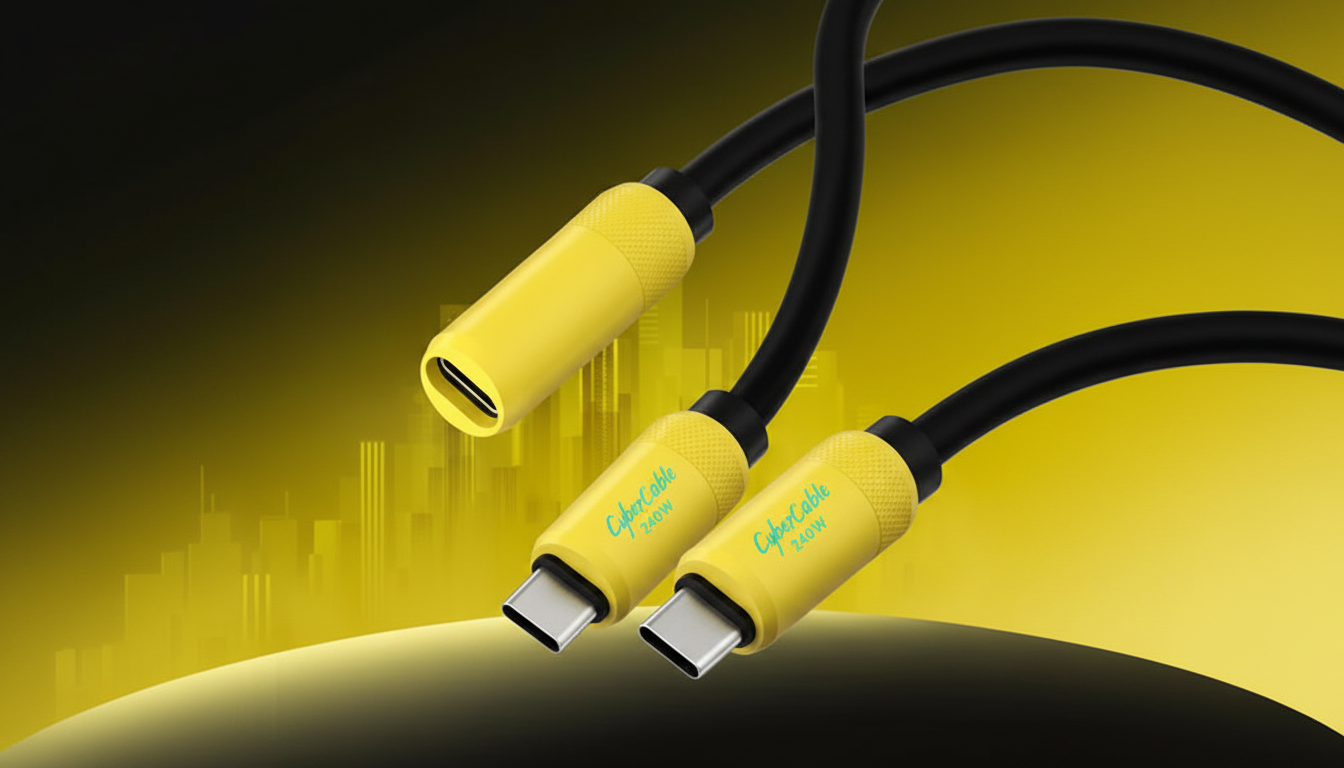
In most cases, the simplest cable for transferring data from one Samsung phone to another is a USB‑C to USB‑C data cable. Most newer Galaxy devices use USB‑C, and a direct USB‑C to USB‑C connection supports fast, reliable file transfers—especially when using Samsung Smart Switch in “cable” mode.
If one of the phones is older and uses Micro‑USB, you’ll need either a USB‑C to Micro‑USB cable or a Micro‑USB cable plus the correct USB‑OTG adapter (often a USB‑C to USB‑A OTG adapter). The key is making sure the connection supports data, not just charging.
Data support: Some inexpensive “charge-only” cables won’t move photos, contacts, or app data. Choose a cable explicitly rated for data transfer.
USB standard (speed): A USB‑C cable that supports USB 3.x generally transfers faster than USB 2.0, especially for large video libraries. Even if the phones fall back to slower speeds, a better-rated cable avoids bottlenecks.
Good build quality: A snug connector fit reduces disconnects mid-transfer. This matters during full phone-to-phone migrations that can take a while.
If your setup is awkward (e.g., using a hub or needing extra reach), a quality USB‑C extension cable can help—so long as it’s designed for both charging and data and matches the USB performance you need. For deeper guidance on choosing the right USB‑C extension for fast charging and reliable data, see this USB‑C extension cable guide.
For Best Cable to Transfer Data Between Samsung Phones, the best answer depends on fit, material, care instructions, and how the product will be used day to day.
Yes. Samsung Smart Switch supports wireless transfers over Wi‑Fi Direct, which is convenient for smaller transfers, though a cable is often faster and more stable for large moves.




Leave a comment